
Database Management FAQ : Database/Data Table : Open Database
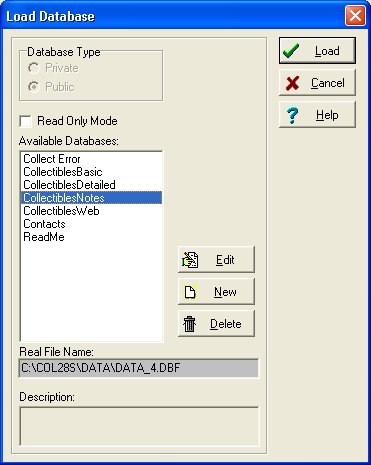
Question/Topic: How to load/open database?
Note:
Double click on the database name in the Available Databases box opens the selected database.
Related software (Read/Download) :
Organizer Deluxe Series
Organizer Pro Series