
Equipment/Tools Check In/Out Software > Equipment/Tools Search Utility (OPAC):
Question/Topic: Equipment/Tool Software: Search Utility
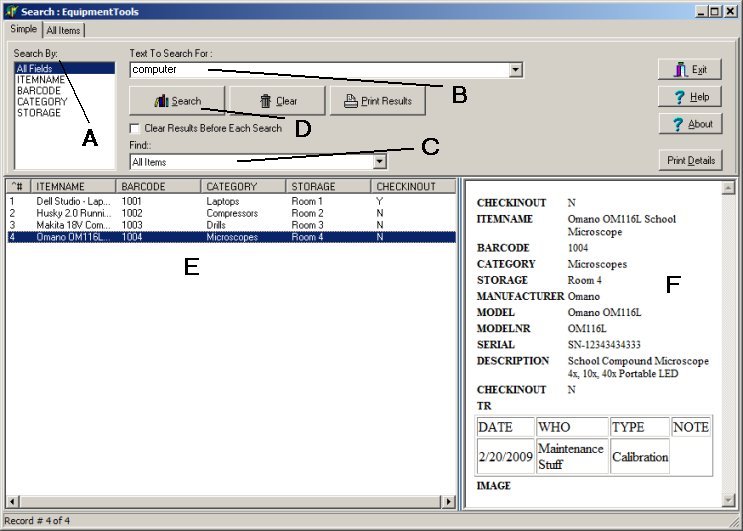
Public Search utility allows employees/students/borrowers to process search transactions without launching Equipment/Tools Organizer Pro software. All databases are protected from unwanted modifications or deletions. Search Utility can be used on one computer or on the network.
equipment/tools inventory search utility (OPAC)
Related software (Read/Download) :
Equipment/Tools Check In Out Software