
Library Solutions, Frequently Asked Questions > Library Tutor > Library supplies:
Question/Topic: Library Supplies.
General Stores
Library Internet Stores
Selection of some products that we tested, or created ready-to-use templates, or with help topics:
Library spine labels:
Avery 5160, use as a book spine label
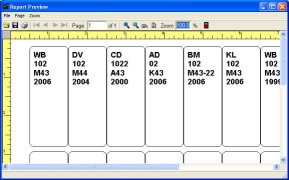

Library spine label, 8 x 7, 1 1/2"H x 1"W
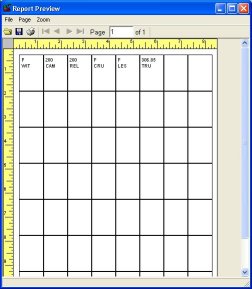
Library spine label, 8 x 6, 1 2/3"H x 1"W
Library book cards:
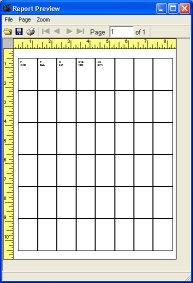
Book cards, catalog cards, 3"H x 5"W
Library barcode labels:
AV 5160 Avery type (3 across, 10 down) , use as a barcode label
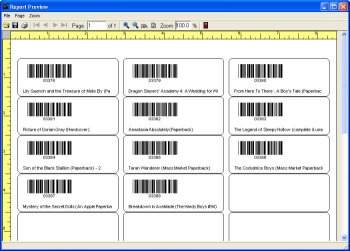
AV 5163 Avery type (2 across, 5 down) , use as a barcode label
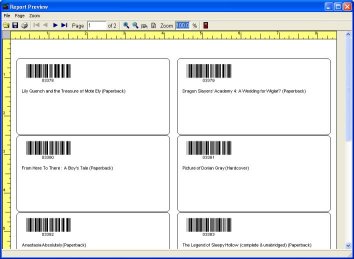
Avery 6577 Durable (3 across, 16 down), use as a barcode label
Library id cards:
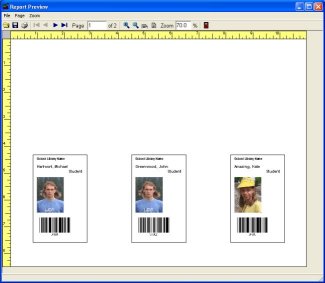
Laminated Cards AV 5361 , use as library id cards
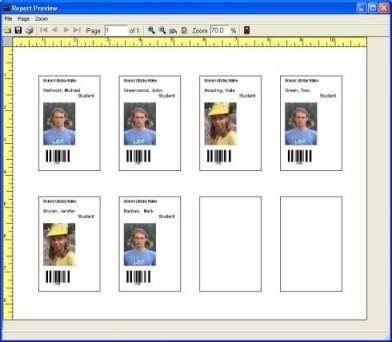
Name Badge AV 5895 label type selected, use as library id cards
Barcode scanners:
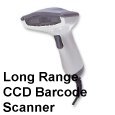
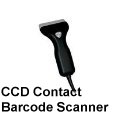
CCD barcode scanner
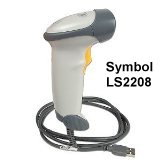
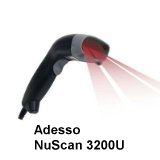
Laser barcode scanner
Computer, printer:
Library desktop computers
Library laser printers
Related software (Read/Download) :
Small Library Software (catalog by ISBN, UPC)
School Library Organizer Pro
Related Topics ...
What are the supplies needed? Labels?
Does this program come with a barcode reader/scanner?
Related software (Read/Download) :
Small Library Software (catalog by ISBN, UPC)
School Library Organizer Pro
Church Library Software
Check In/Out Organizer Pro (track individual items)
Similar questions:
We are considering to buy this software but have following questions. When we are creating the initial database of books how
will we create the new bar codes to label the books? And what kind of printer, label and bar code scanner would we need for
this process?
I would like to find out your recommendations for an inexpensive barcode scanner
(less than $100) for Church Library Organizer Pro (wired or cordless)?
I am just beginning to research how to automate our small church library. Besides
your software and a computer what other equipment do I need for us to use your
Simple Library Organizer Pro