
Organizer Advantage is powerful yet easy to use database manager for Windows.
Advantage Designer lets you modify our solutions or easily create new databases.
Take control of your data with our simple or buinsess database software solutions.
| Organizer Advantage HowTo/Help | Designer HowTo/Help |
Advantage Help > HTML Report Wizard > How To > Car catalog, simple.
How to Build a Simple 3-Level Car Catalog with the HTML Wizard
A complete walkthrough for generating a three-level browseable car catalog - grouped by Make and Model - using only the built-in wizard settings with no custom template. Each step is illustrated, from choosing fields and folders through clicking Go and reviewing the output pages in a browser.
The CARS table stores your car data, including NAME, MAKE, MODEL, YEAR, PRICE, NOTES, and IMAGE fields. To create a report, click HTML Wizard to open the HTML Report Wizard window.
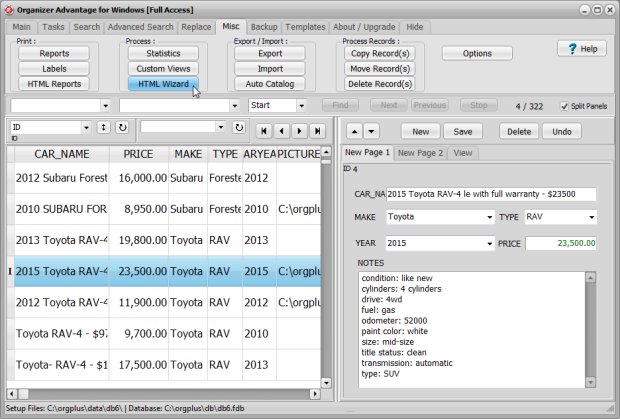
1. Select the directories for your report and images.
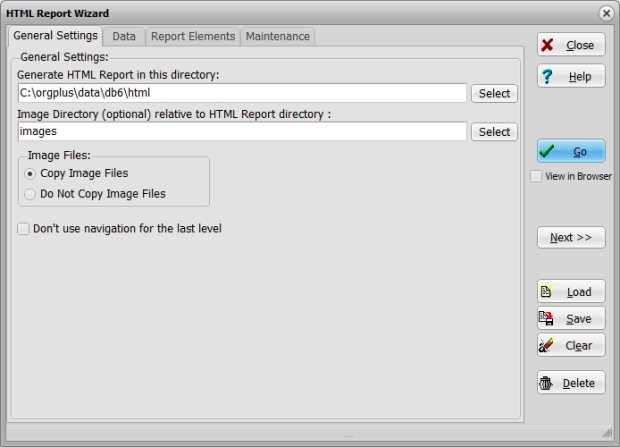
2. Use the green arrow icon to add these data fields: car name, make, type, year, price, and picture. 3. In the Group By 1st Level box, choose MAKE. In the Group By 2nd Level box, choose MODEL.
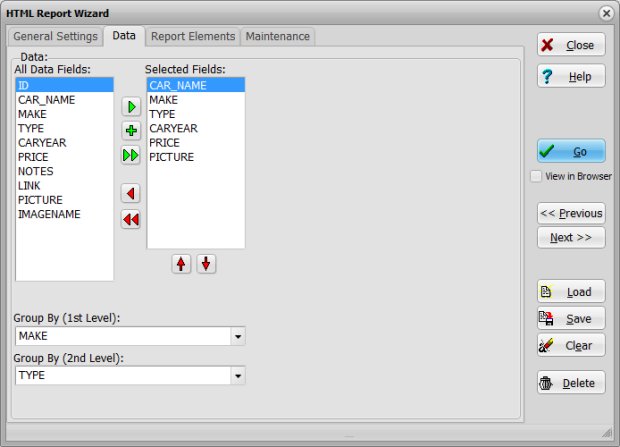
4. Under Report Type, select 3-Level.
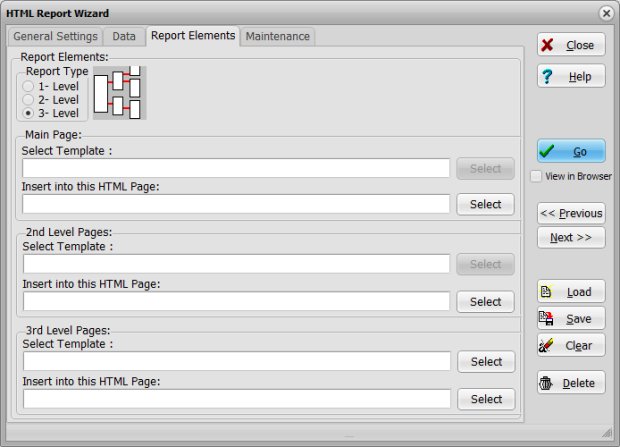
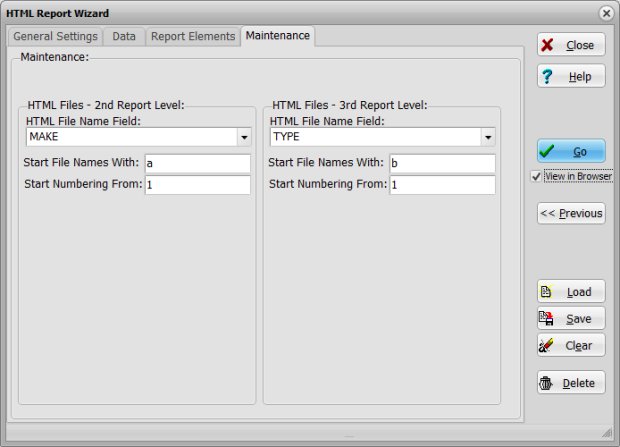
5. For the 2nd level files, choose the MAKE field; for 3rd level files, choose MODEL.
6. Select View in Browser and click Go.
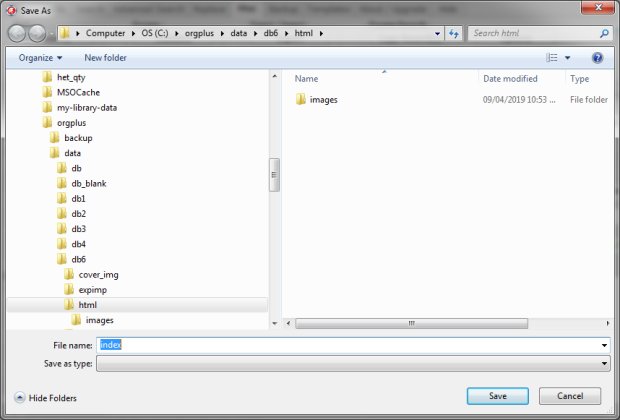
7. In the Save As window, click Save.
Now review your report:
- The main page (index.htm) lists all car manufacturers (MAKE). Click on "Nissan" to continue.
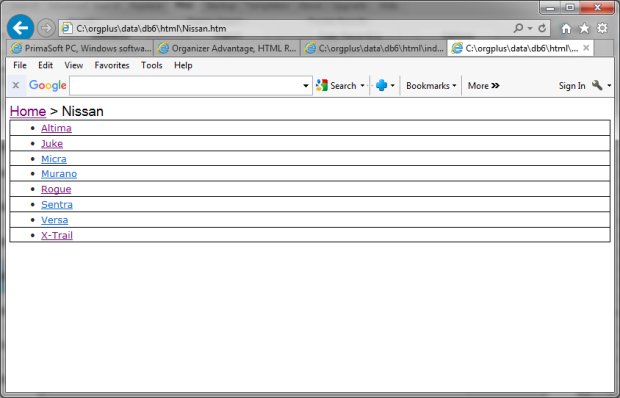
- The 2nd level report (nissan.htm) displays car types for Nissan. Click "Rogue."
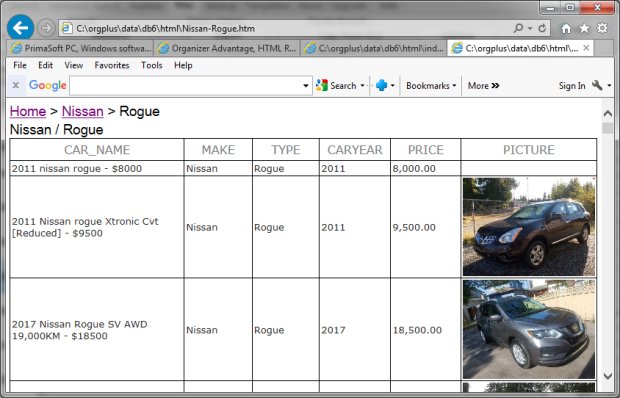
- The 3rd level report (nissan-rogue.htm) lists all Nissan Rogue cars.
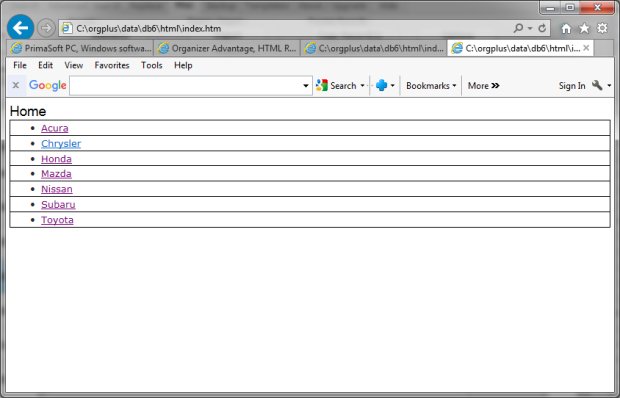
Review the report. The 2nd level includes car types for the selected manufacturer (Nissan) (file name is nissan.htm). Click Rogue.
Review the report. The last level includes the list of cars, all Nissan Rogue listings (file name is nissan-rogue.htm).
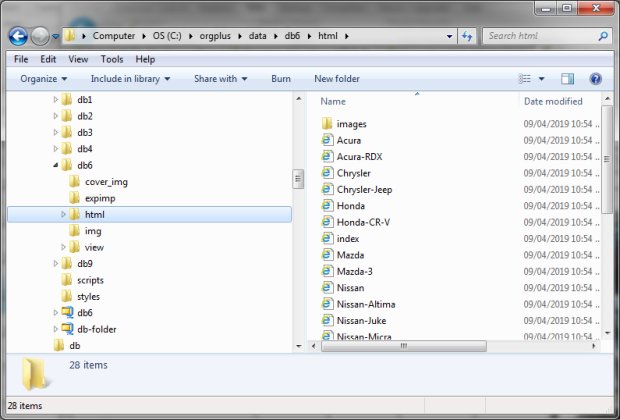
Open Windows file explorer, review html and image files.

Copyright © 2026 · All Rights Reserved · PrimaSoft PC