
Organizer Advantage is powerful yet easy to use database manager for Windows.
Advantage Designer lets you modify our solutions or easily create new databases.
Take control of your data with our simple or buinsess database software solutions.
| Organizer Advantage HowTo/Help | Designer HowTo/Help |
Advantage Help > HTML Report Wizard > How To > Car catalog with the html template file for the last level.
Car Price Catalog: 3-Level HTML Report with a Custom Detail Template
This example builds the same Make/Model grouped car catalog, but uses a custom car-details.htm template for the final level pages to produce a fully formatted detail view for each listing. Covers report settings, file naming by field value, and how to create the template using the HTML Reports editor.
Car data is managed in the CARS table, which includes the following fields: NAME, MAKE, MODEL, YEAR, PRICE, NOTES, WEB, and IMAGE.
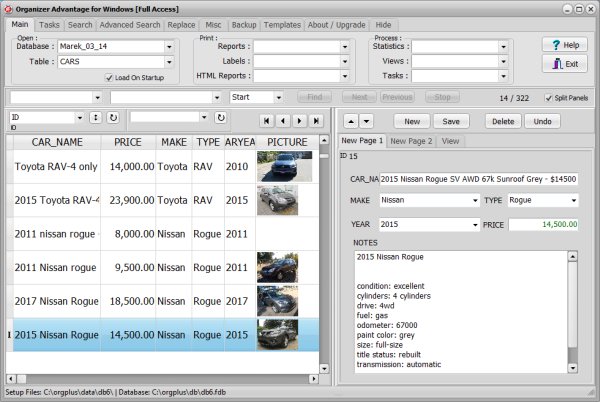
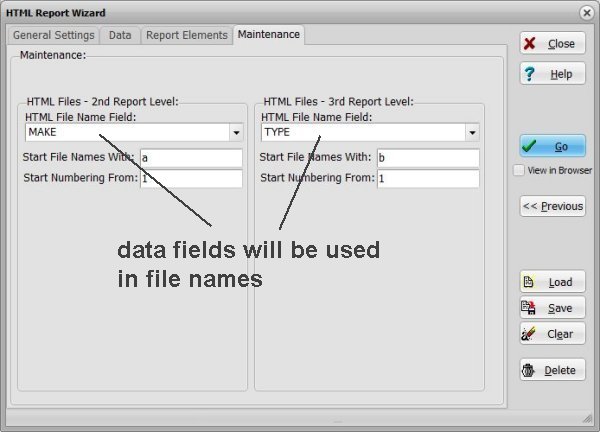
For this report, the values in the MAKE and MODEL fields are used to generate file names.
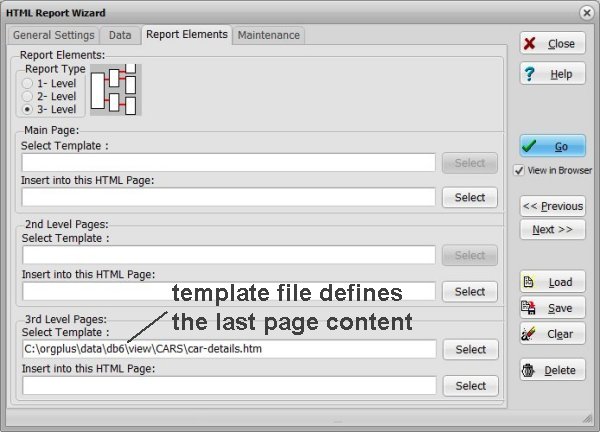
On the final report pages, car-details.htm (a template file) is used to display detailed car information.
Report Structure
The HTML report includes these pages:
index.htm – Main (top-level) page
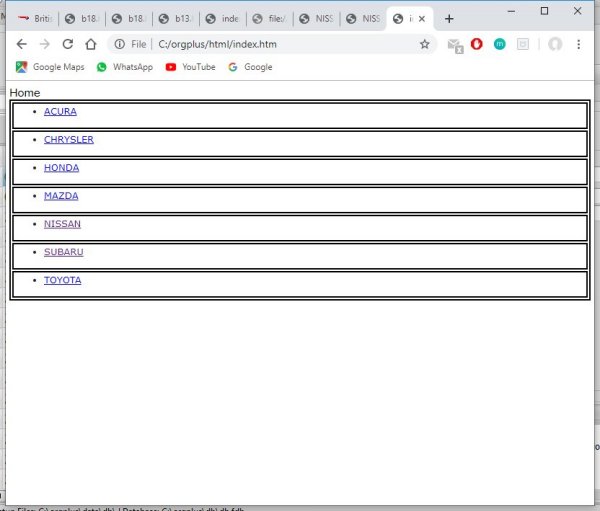
nissan.htm – Second-level page (by make)
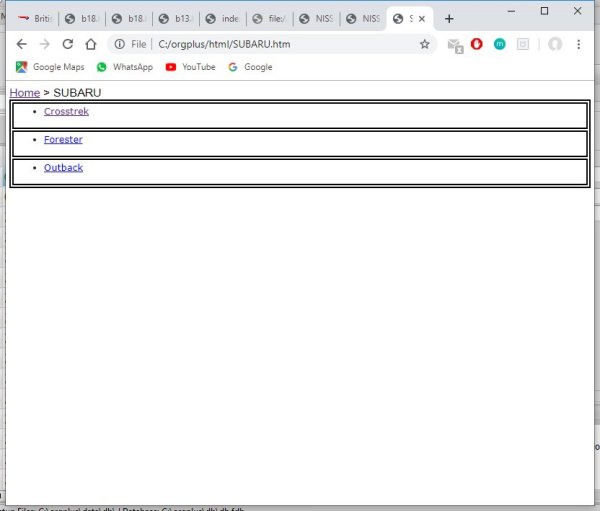
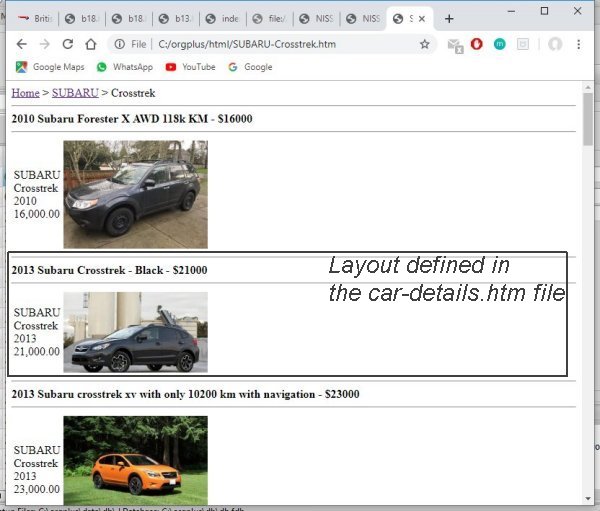
nissan-rogue.htm – Third-level page (by model), which uses the custom layout defined in the car-details.htm template
Report Settings
- No individual data fields need to be selected; the Selected Fields box remains empty.
- Group By 1st Level: MAKE
- Group By 2nd Level: MODEL
- On the final (third-level) pages, cars are sorted by Price.
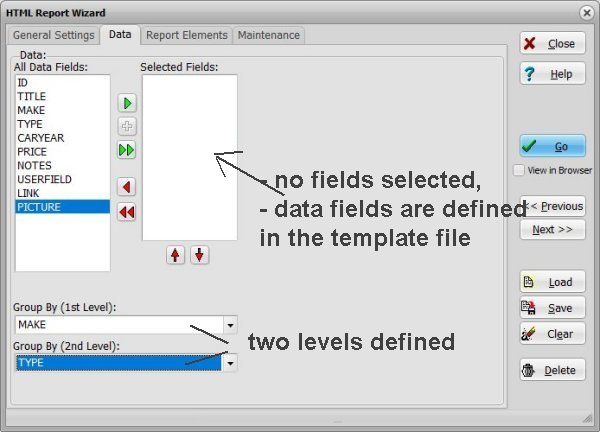
The final page for each car uses the car-details.htm template file to display information.
The MAKE and MODEL values are automatically used for HTML file names.
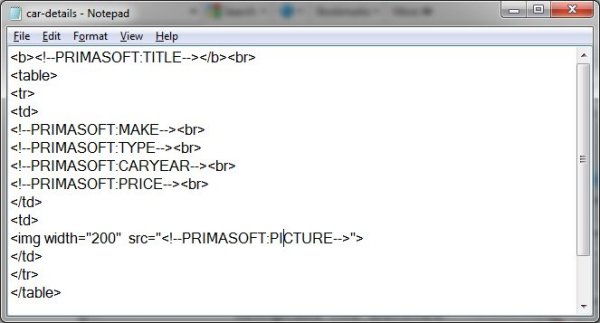
You can create your own template (car-details.htm) using any HTML editor. Once you are satisfied with the layout, insert the appropriate keyword tags for data fields. For this example, we created a simple HTML template using our Print Customized Document feature. Make sure to save your template with the ".htm" extension.
You create a template designed for a single record. If the final page contains multiple records, our program will automatically apply the template to each record, replacing the keyword tags with data from your table.
Copyright © 2026 · All Rights Reserved · PrimaSoft PC