
Organizer Advantage is powerful yet easy to use database manager for Windows.
Advantage Designer lets you modify our solutions or easily create new databases.
Take control of your data with our simple or buinsess database software solutions.
| Organizer Advantage HowTo/Help | Designer HowTo/Help |
Advantage Help > Templates > Install Template
easy-to-use database manager and database designer for Windows
- Organizer Advantage
- Getting Started Videos
- Main Window
- Tabbed Toolbars
- Add Data
- No Limits
- Reports
- Labels
- Search, Replace
- HTML Reports
- HTML Wizard
- Import, Export
- Free Data Setup
- Backup, Restore
- Options
- Statistics, Views
- Solutions
- Templates
- Commands
- Download Template
> Install Template
- Review Templates
- Copy Table
- Delete Table
- Delete Database
- How To .. - Add-Ons
- Install, Network
- Web Search, Add Data
- Premium
- Upgrade, Update
- Organizer Deluxe, Pro Users
- More
Install Templates
This guide explains how to install database templates in the Organizer Advantage Windows program.
Installed templates allow you to create new databases quickly and efficiently.
You can install the database solution from the file on your computer. You will use this command in the following two situations:
- On our web site (Solution Center) you can find customized database templates that are not listed in the Download Template window. In this case the web page will list a link to a file that you can download and save on your computer.
- We offer database creation services, users who ordered a customized database will use this command to install the database
How to install the database from the template file:
- Save the template file into the temporary folder on your computer.
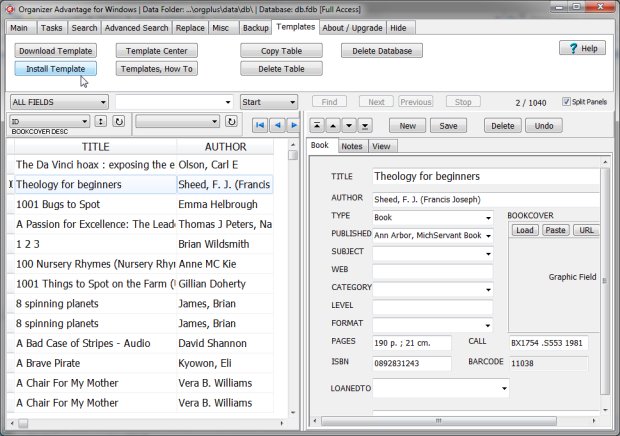
- Start Organizer Advantage and click on Install Templates in the Template toolbar section.
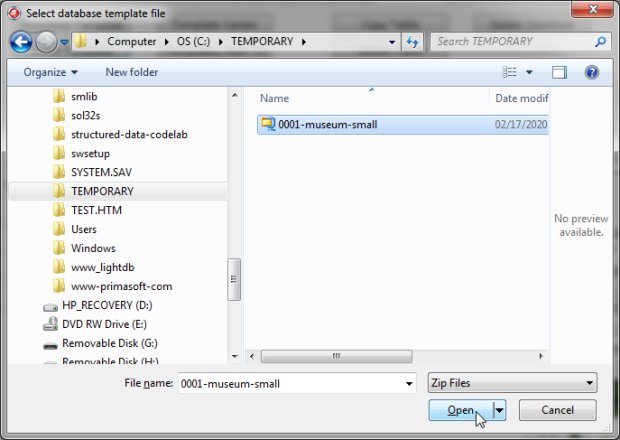
- Select the template file and click Open.
- After the installation is completed, the Download Template window closes, and Organizer Advantage automatically opens a new database with the downloaded template.
- Review the template.
click Install Template:
select the template file:
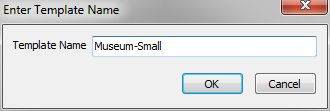
enter your template name:
review message:
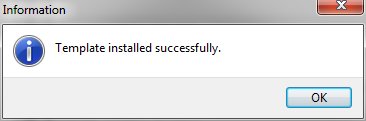
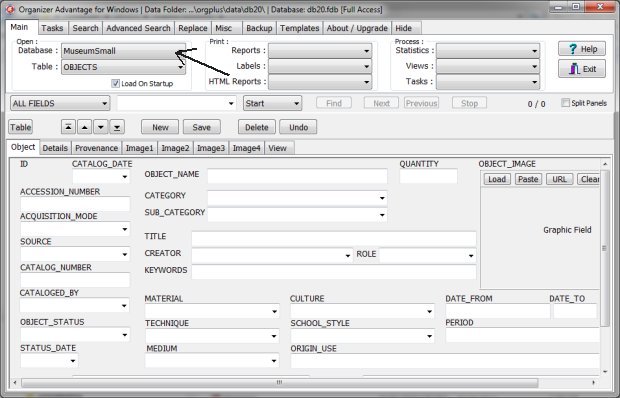
after a successful installation a new template opens automatically:
Copyright © 2026 · All Rights Reserved · PrimaSoft PC